TABLE OF CONTENTS
Applies to:
ADMIN PRIVILEGES REQUIRED
Overview
Plugins control how Stack Internal Community displays certain links in posts. Site admins can enable or disable these features for their site.
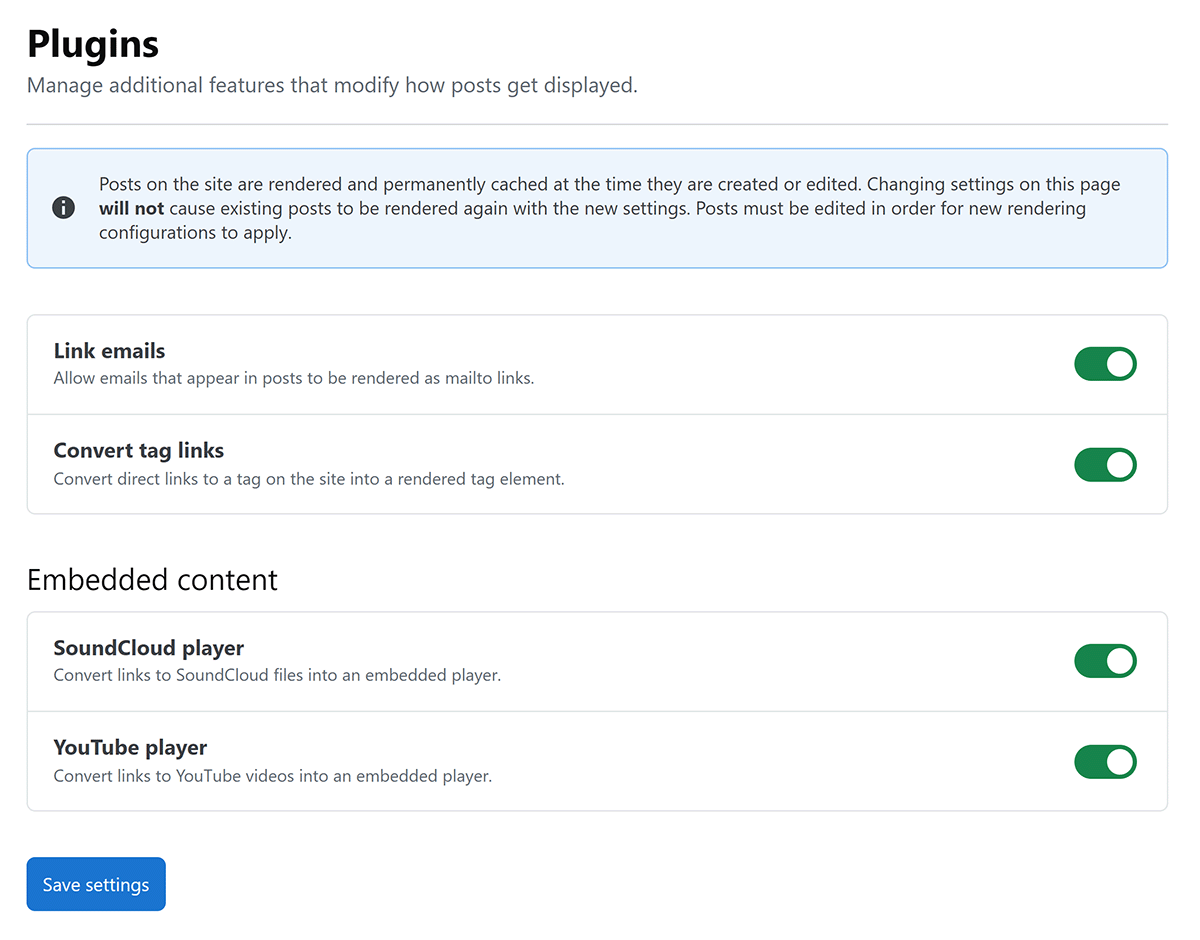
To access the settings, click Admin settings in the left-hand menu, then Plugins. After changing the settings, click Save settings.
Link formatting
These plugins change how email addresses and tag links appear in posts.
- Link emails Render email addresses as
mailtolinks. - Convert tag links Render direct links to tags on your site as tag elements.
Embedded content
These plugins turn supported links into embedded media players in posts.
- SoundCloud player Render links to SoundCloud files as embedded players.
- YouTube player Render links to YouTube videos as embedded players.
Stack Internal Community renders and caches posts when they're created or edited. Changing a plugin setting doesn't automatically update existing posts. A user must edit an existing post for the new rendering settings to apply.
Get help
If you have questions or issues, reach out to our support team for help.
https://doc-automation.netlify.app/pdfs/docs/community/enterprise/for_admins/settings/plugins_settings.pdf