TABLE OF CONTENTS
Overview
Stack Internal Community offers a powerful search feature to help you quickly locate content on your site.
This article covers the basics of search. For more advanced search techniques, read the Advanced Search and Unified Search articles.
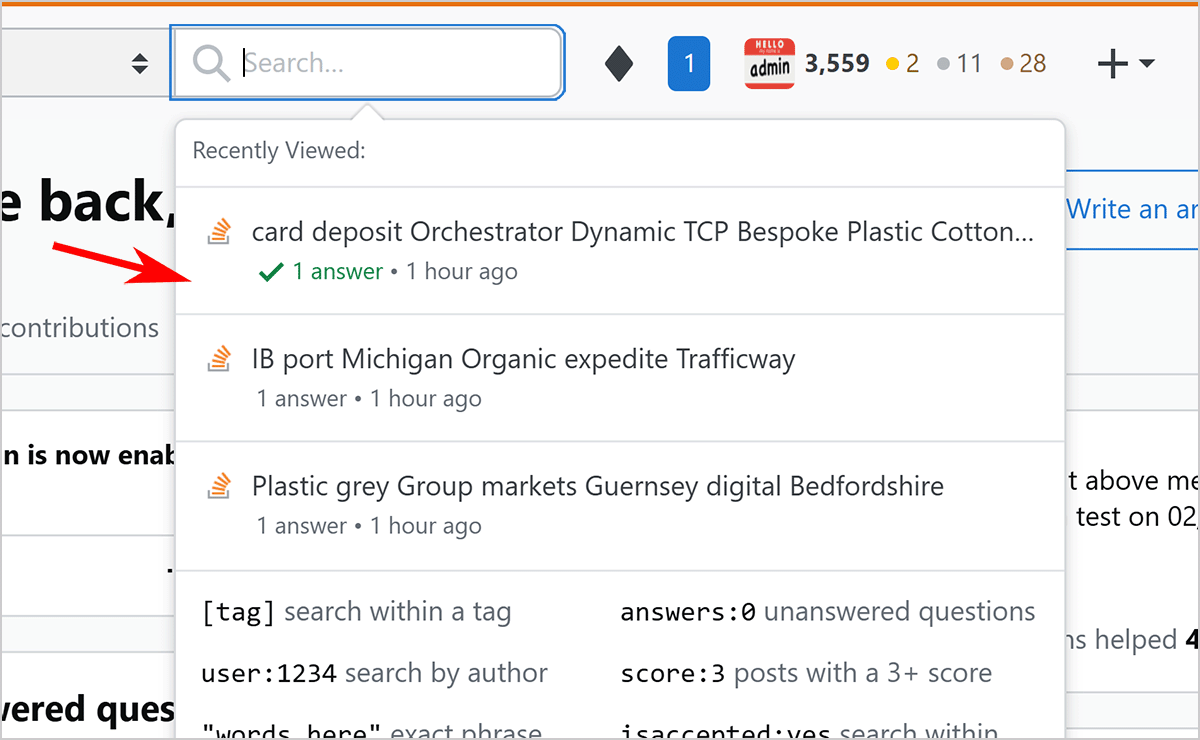
When you place your cursor in the search bar at the top of the screen, Stack Internal Community Business and Enterprise show recently viewed questions and articles. Click any of these posts to quickly return to previously viewed content.
To perform a basic search, enter a word or two into the search bar. As you type, Stack Internal Community displays results (if any) in real time beneath the search bar.
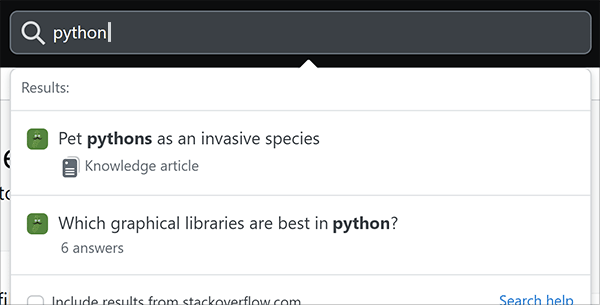
The real-time search feature searches post titles only. To do a full search of titles and content, enter your search terms then press ENTER on your keyboard.
Search tips
When a simple keyword search doesn't return the desired results (or too many results), Stack Internal Community offers many ways to refine and improve your search.
If you need to expand or narrow your search, try the following techniques.
- To find a specific phrase, enclose it in quotes.
- To search within specific tag(s), enter them in square brackets. For example: "[maintenance] seat" searches for mentions of "seat" within content tagged with the maintenance tag.
- To limit your search to just the title of a post, enter "title:" followed by the search term(s). To search the body and not the title, enter "body:" followed by the search term(s).
- To search only within code blocks, enter "code:" followed by the search term(s). For example: "code:mathlib" searches code blocks for "mathlib".
- To search just your posts, enter "user:me" followed by the search term(s).
- To exclude results from a tag, term, or phrase, preface it with "-" in your query. For example: "waffles -unicorns" finds posts that mention the tasty breakfast food but not the mythical creature, while "[laurel] -[hardy]" includes posts tagged only with the first half of the classic comedy couple.
- Add an asterisk ("*") anywhere in a search term to create a wildcard search. The asterisk matches any characters, and broadens your search. For example: "local*file" would find "localCreateFile()" and "localDeleteFile()".
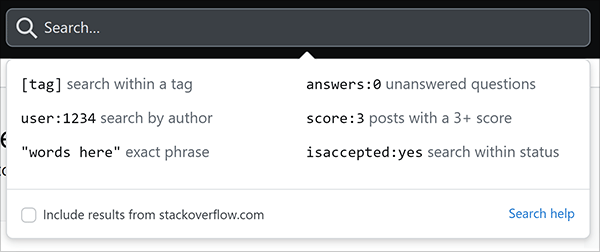
When you first place your cursor in the empty search box, you'll see these and other helpful tips displayed under the search box.
Search with the API
You can use the Stack Internal Community API /search endpoint to search for content on your site. For more information on the API, check out our API v3 for Basic and Business and API v3 for Enterprise articles.